Updated · Desktop Chrome · Signed out
Why choose RetypeImage?
We tried the same coffee label edit in seven tools while signed out. Two tools delivered an original-size PNG. On this image, RetypeImage replaced the headline correctly and kept every pixel outside it unchanged.
Try this coffee labelOne coffee bag, the same edit
We used the same 960 × 720 JPG to change HOUSE BLEND to DAILY BLEND. A usable export had to preserve the smaller WHOLE BEAN line, divider and original image dimensions, with no visible watermark or leftover letters.
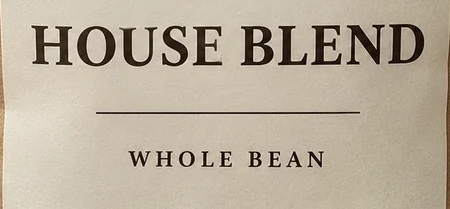
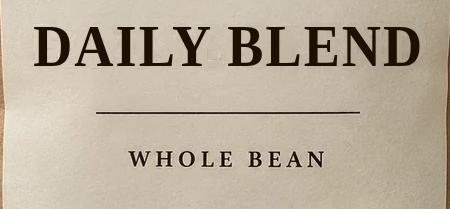
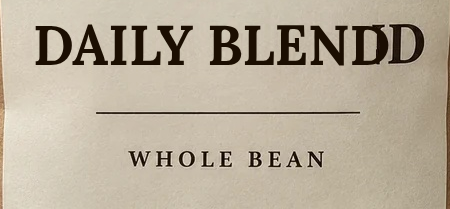
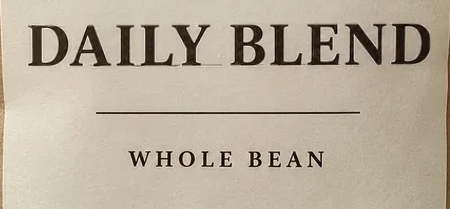
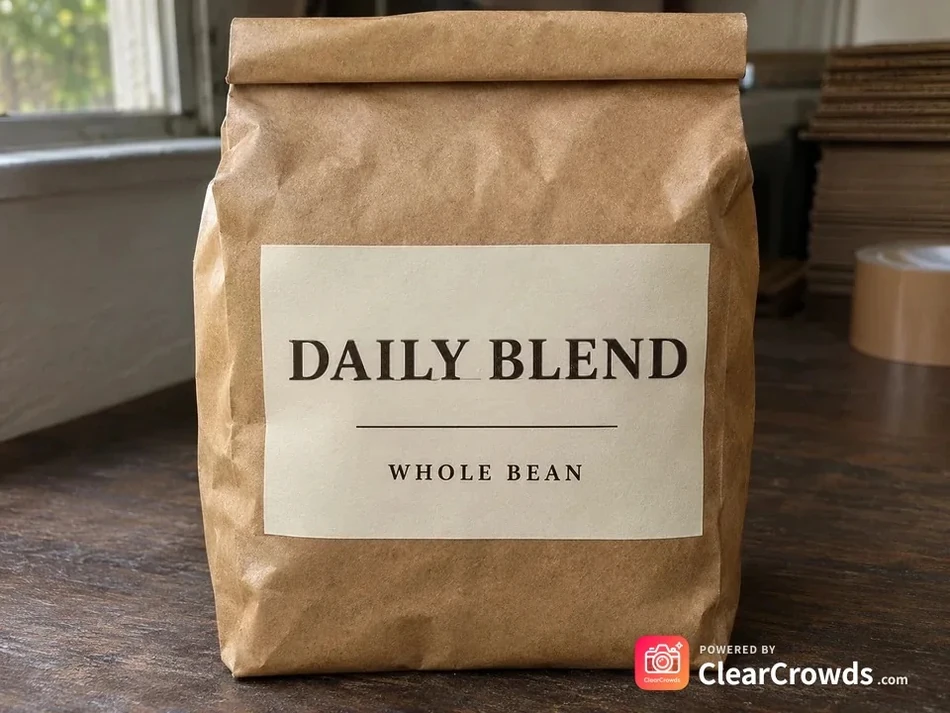
Click an image to inspect the crop. Download the original test JPG to try the same edit yourself.
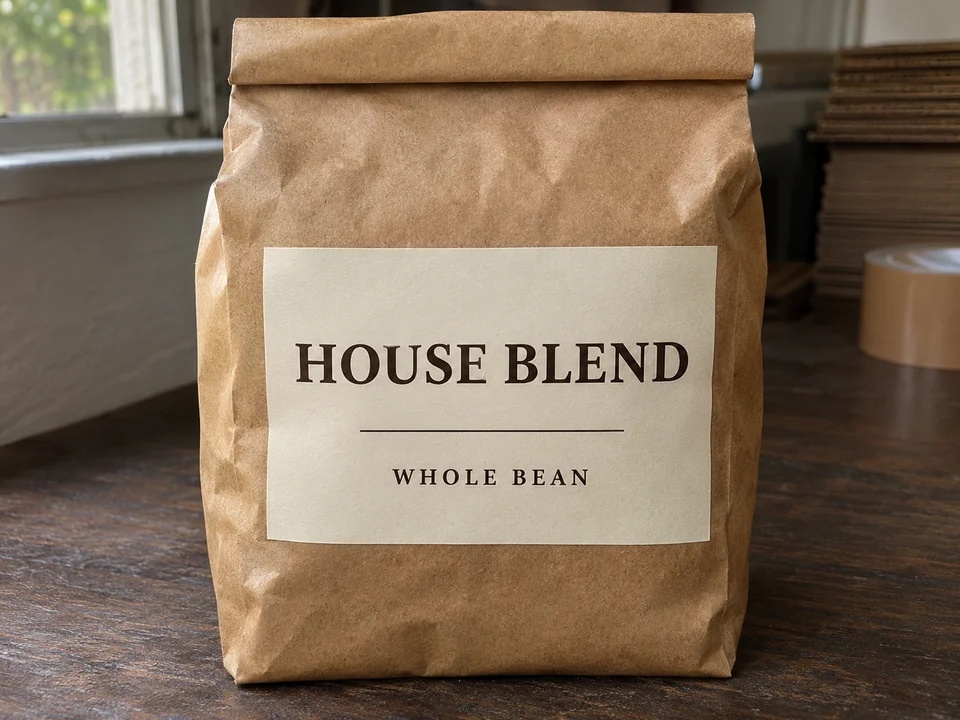
What the downloaded files show
Both current exports opened at 960 × 720 with no visible watermark. We decoded the files and compared RGB values outside the same headline box. All 656,800 pixels outside that box matched the input in both files.
| Export | Independent text read | Pixels changed outside the headline box |
|---|---|---|
| RetypeImage | DAILY BLEND WHOLE BEAN | 0 |
| TwinFont | DAILY BLENDD WHOLE BEAN | 0 |
The extra D shows why we check both the changed text and the surrounding image. RetypeImage passed both checks on this image. The photo’s original font was unknown, so we assessed the visible letter shapes and weight.
How long each step took
We timed each stage in desktop Chrome while signed out. A dash means no comparable time was recorded for that stage.
| Tool | Upload entry visible | Edit response | Download or stopping point |
|---|---|---|---|
| RetypeImage | 5.24 s | 1.37 s to preview | 0.33 s to PNG |
| TwinFont | 7.34 s | Export available within 6 s of typing. Exact completion time unavailable. | 0.53 s to PNG. Extra D in export. |
| ClearCrowds | 5.89 s | 1.16 s to upgrade prompt | No new preview or file |
| PhoText | 5.89 s | Manual preview visible after an upload retry. Exact timing unavailable. | Sign-in prompt observed within 5.99 s of clicking Download |
| Canva | 5.13 s | — | Sign-in shown after selecting the image, before editing |
| EditTextImage | 4.57 s | — | Sign-in before generation |
| PDFAid | 5.71 s | Recognized the words. The edit did not persist. | Sign-in during PNG export. No file within the 12 s observation window. |
On three repeat edits with the same file already open, RetypeImage’s median time to a visible preview was 1.08 s. TwinFont’s median time from typing to an enabled download button was 0.26 s. Each measurement ends at a different action.
Read the test method and download the measurements
One 960 × 720 JPG, seven tools, signed-out paths, desktop Chrome at 1363 × 936. Entry timings include browser navigation and checking that the control was visible. TwinFont’s upload button enabled after it first appeared. Upload measurements include a file relay in the test browser. These observations cover one image and one session. Paid modes, mobile and longer-term speed were outside this test.
We reopened each current PNG and checked the headline using Tesseract and visual inspection. The unchanged region excludes the 430 × 80 px headline box beginning at x=275, y=325. The previous ClearCrowds JPG is a historical comparison. JPEG compression can introduce pixel differences outside the edited area.
When automatic selection misses the first letters
On the mug, OCR detected DIO EDIT and missed the first three letters of STUDIO EDIT. The shaded box and its close-up show the crop before any pixels are changed. Use Adjust box to move the corners, then check Original words and preview again. On a keyboard, the corner buttons use the arrow keys. Hold Shift for a larger move.
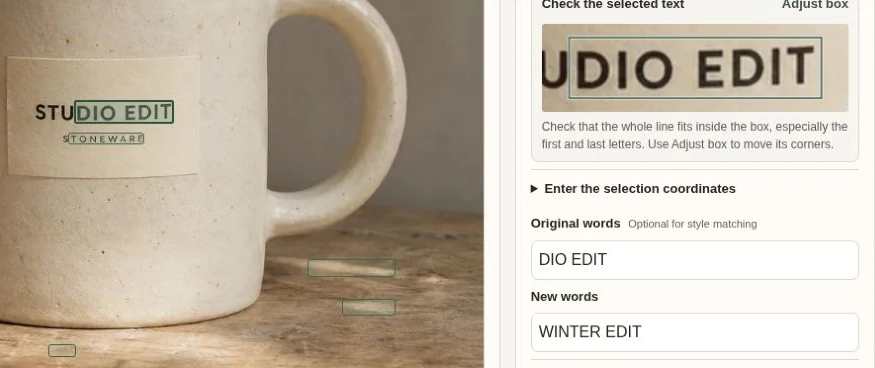
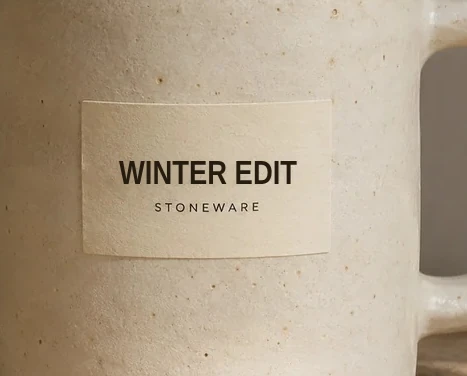
Try the mug sample or watch the editor walkthrough. The built-in sample starts with a prepared full-line selection. You can try OCR on your own JPG or PNG.
What happened on three independent photos
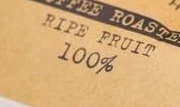
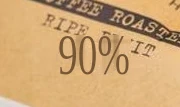
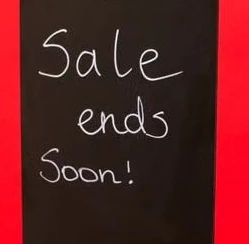
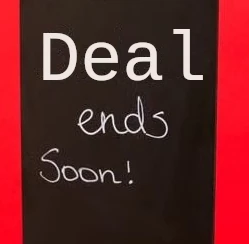
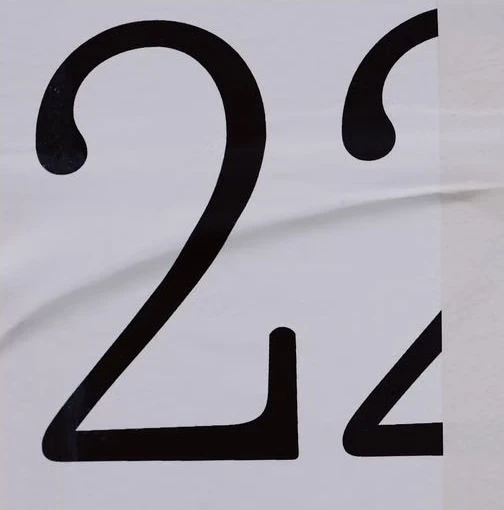
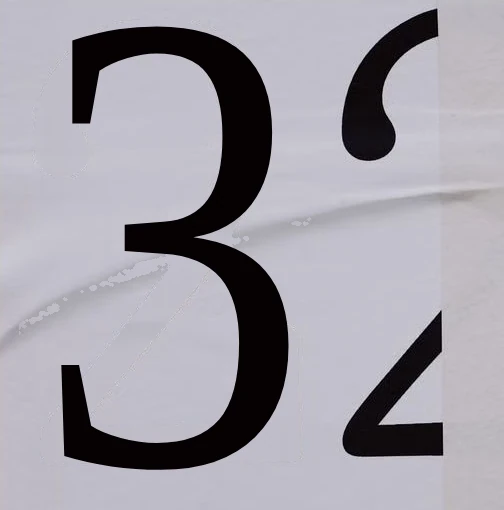
We also used three new stock photographs to check the same editing engine on angled print, handwriting and wrinkled paper. Each test used a manual selection and automatic font settings. The saved images kept the same dimensions and the pixels outside the selected boxes.
Choose RetypeImage for a quick, local edit
It fits straight, readable text on a flat or lightly textured label, screenshot or graphic. Try your image if you need to keep the original dimensions and download without an account. Inspect angled text, handwriting or complex paper textures closely before using the result.
Edit your imageWorking with a screenshot? See the screenshot text editor comparison.